Game777K on iPhone and iPad
The mobile casino experience for our iPhone and iPad users is provided through their iPhone and iPad browser. As with all Game777K web pages, the experience scales to fit Apple screens of all sizes. The experience is optimized for use on both the smaller screen of the iPhone as well as the larger screen of the iPad. Your Game777K account can be accessed on all your devices, so there's no need to set up a separate mobile account.
20+ Games
Wide variety
Secure
Safe gaming
Fast
Lightning gameplay
iOS Optimized
iPhone & iPad
Please use a recent iOS or iPadOS version, and Safari or another supported browser. A stable internet connection is needed to use the site, especially for live-dealer games.
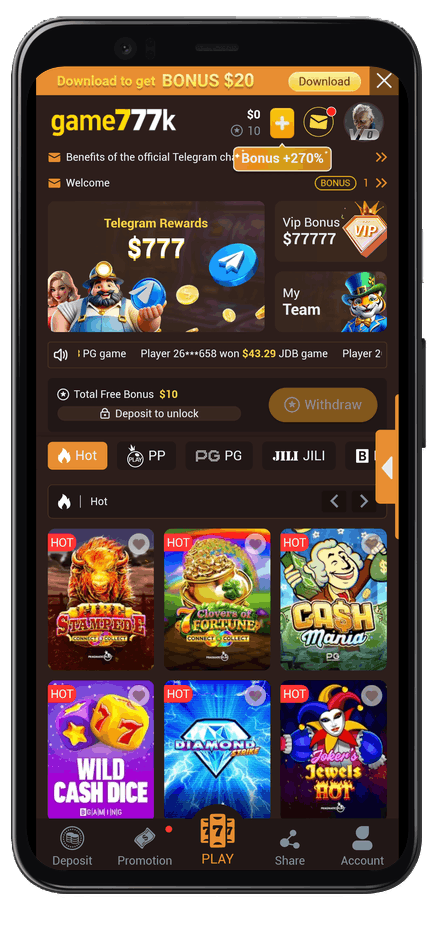
App Screenshots
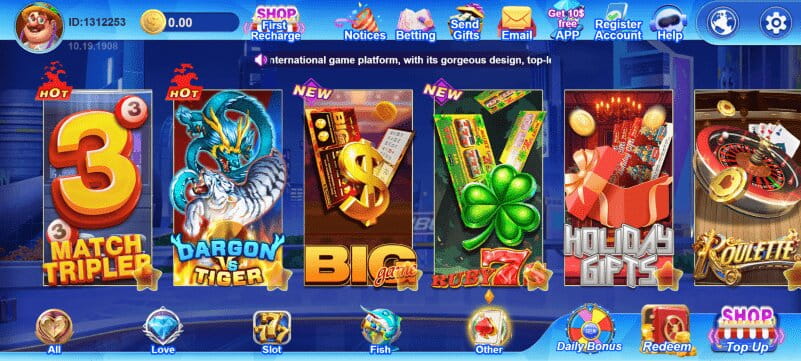
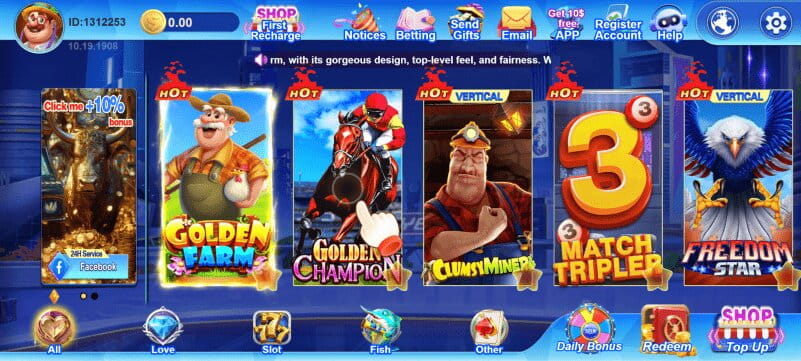
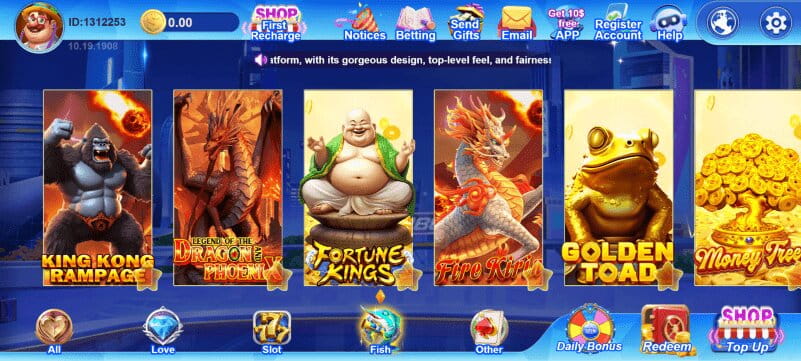

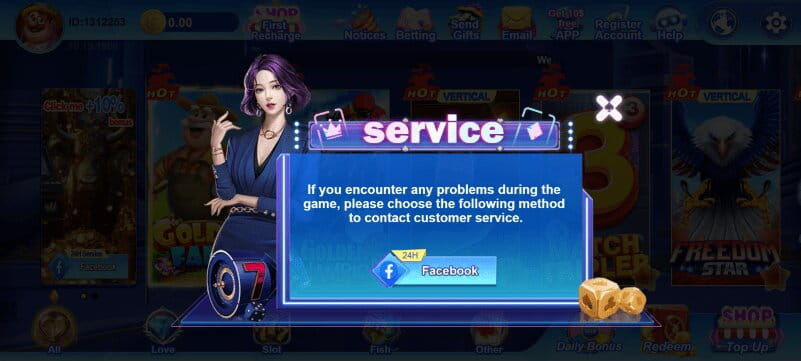
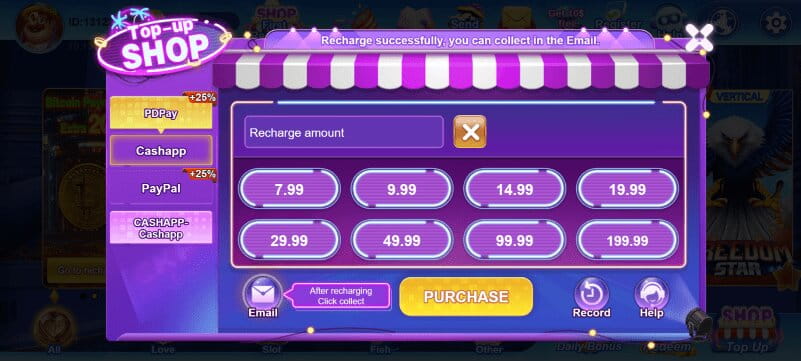
How to Install
Tap the Download button above to get the Game777K app.
Wait for the app to finish installing on your device.
Open the app once installation finishes.
Log in to your existing account, or sign up for a new one.
Start playing your favorite Game777K games on the go.